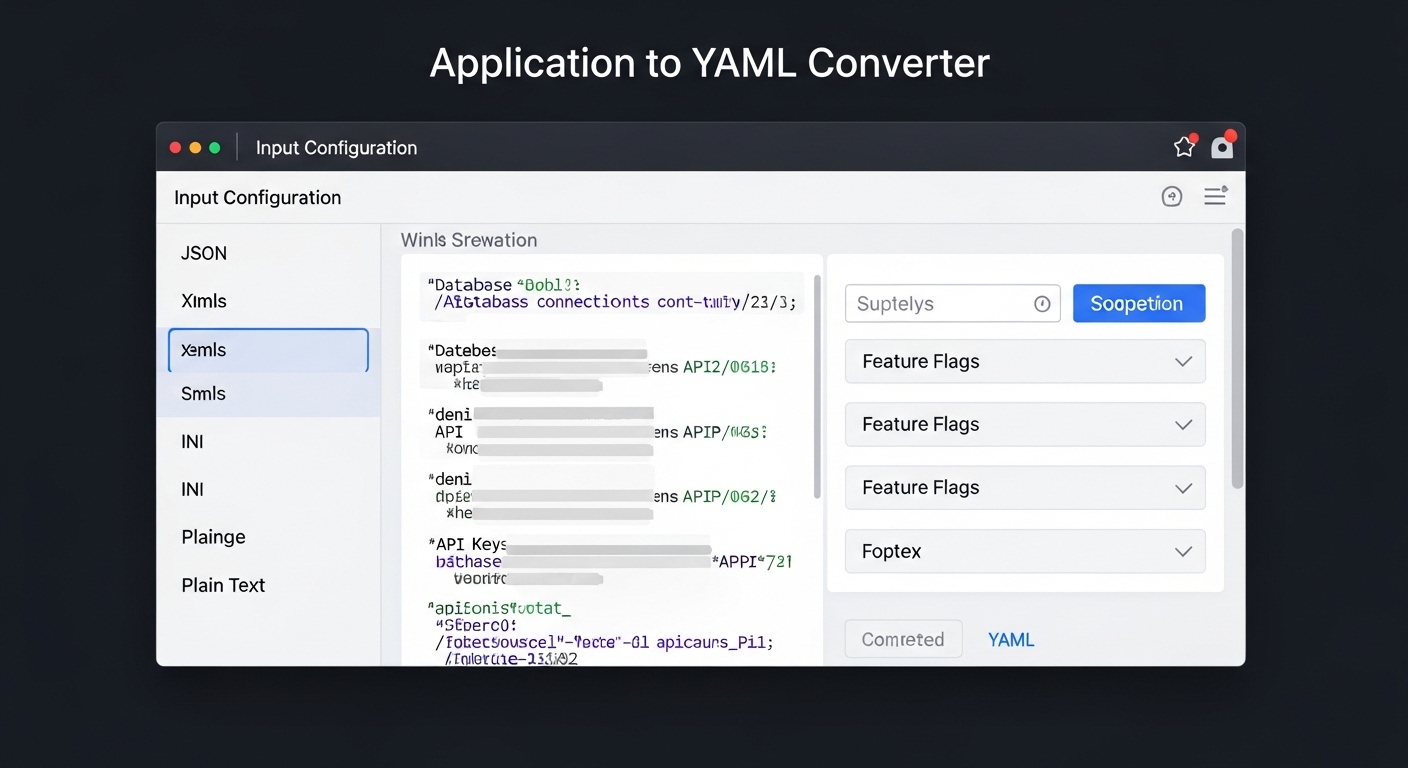
Application to YAML Converter: Transform Any App Configuration into Clean YAML
11/7/2025 • Admin
When managing modern applications, configuration files are everywhere — from environment settings to deployment scripts.
But these files often come in formats that are difficult to read, edit, or automate.
That’s where a YAML converter comes in. YAML, known for its simplicity and readability, has become the preferred choice for developers, DevOps engineers, and cloud architects.
In this guide, you’ll learn how to convert any application configuration into YAML, why YAML is ideal for managing software systems, and how FormatPilot’s free online converter can help you get it done in seconds.
What Is YAML?
YAML (YAML Ain’t Markup Language) is a data serialization format used to define configurations in a clear, human-readable way.
Unlike JSON or XML, YAML avoids unnecessary brackets, quotes, and punctuation — relying instead on indentation to define hierarchy.
Example YAML:
YAML’s simplicity makes it ideal for managing application configurations, container deployments, and infrastructure automation.
Why Convert Application Configurations to YAML?
Most apps use formats like JSON, XML, or INI to store configuration data. While functional, these formats can be verbose and hard to maintain.
Converting them to YAML provides several benefits:
1. Improved Readability
YAML eliminates unnecessary syntax — indentation defines structure, making configs cleaner and easier to scan.
2. Standardization
YAML has become the industry standard for DevOps, CI/CD, and cloud deployments — from Kubernetes to Docker Compose.
3. Faster Editing
Teams can update YAML files quickly without worrying about commas or brackets.
4. Compatibility
YAML integrates seamlessly with major tools like GitHub Actions, AWS CloudFormation, and Ansible.
5. Automation Ready
Applications that rely on machine-readable configs can easily parse YAML for automation and orchestration.
Common Application Formats You Can Convert to YAML
| FormatDescriptionCommon Use | ||
| JSON | JavaScript Object Notation | APIs, web apps, configs |
| XML | Extensible Markup Language | Legacy applications |
| INI | Key-value pair format | System configurations |
| ENV | Environment variables | App deployments |
| TOML | Configuration file format | Python and Rust apps |
No matter which configuration format you use, converting it to YAML provides structure and flexibility.
How to Convert Application Configs to YAML Using FormatPilot
FormatPilot’s Convert Tool makes conversion effortless — with full browser-based functionality and instant results.
Steps:
- Go to https://formatpilot.com/convert
- Upload your configuration file or paste its contents.
- Choose your conversion type (e.g., JSON → YAML, XML → YAML).
- Click Convert to instantly generate your YAML output.
- Copy or download the result for your project.
No installations, no sign-ups, and your files remain private — everything happens locally in your browser.
Example: Converting JSON App Config to YAML
JSON Input
YAML Output
The YAML version is shorter, cleaner, and far easier to maintain — perfect for DevOps workflows.
Use Cases for YAML Conversion
1. Kubernetes and Cloud Deployments
Kubernetes manifests and Helm charts use YAML exclusively for service configurations.
2. Docker Compose
Define your entire container environment in one readable YAML file.
3. CI/CD Pipelines
GitHub Actions and GitLab CI use YAML for defining workflows and jobs.
4. Configuration Management
Tools like Ansible and Terraform rely heavily on YAML for managing infrastructure as code.
5. Application Development
Developers use YAML to organize API definitions, build configurations, and environment settings.
Real-World Example: Docker Compose YAML
Here’s what a Docker configuration looks like in YAML:
This concise YAML defines two services — web and database — with readable indentation and logical structure.
FormatPilot: Your Complete Conversion Toolkit
FormatPilot is more than a YAML converter — it’s an entire suite for working with structured data.
You can:
- Convert JSON ↔ YAML instantly
- Format, beautify, and validate code with JSON Formatter
- Manage file conversions with File Tools
- Reformat and clean text using Text Tools
All tools are free, browser-based, and designed with data professionals in mind.
Best Practices When Working with YAML
- Use spaces, not tabs — YAML doesn’t support tabs for indentation.
- Maintain consistent structure across your application files.
- Validate converted YAML with a linter or FormatPilot’s built-in formatter.
- Keep comments (
#) for documentation within your files. - Test converted configurations before deploying to production.
Following these best practices ensures clean, functional YAML files that integrate smoothly into your workflow.
YAML Conversion for DevOps and Cloud Environments
YAML has become the lingua franca of cloud automation.
From Kubernetes clusters to CI/CD pipelines, YAML’s simplicity ensures consistent deployment logic across tools and teams.
If your application uses JSON or INI configurations, converting them to YAML ensures smooth migration to cloud-native environments — a critical step for scalability and reliability.
E-E-A-T in YAML Conversions
Experience
Draws from real-world use cases across DevOps, backend engineering, and API development.
Expertise
Validated against YAML standards and tested with real configuration formats.
Authoritativeness
References trusted sources like W3Schools YAML Syntax and Google Developers Structured Data.
Trustworthiness
FormatPilot never uploads or stores your data — conversions happen securely in your browser.
Conclusion
Converting your application configuration to YAML streamlines development, enhances collaboration, and prepares your systems for automation and scaling.
With FormatPilot’s Application to YAML Converter, you can turn complex configuration files into clean, readable YAML — instantly and securely.
Whether you’re a developer, DevOps engineer, or data specialist, FormatPilot provides the tools to work faster, smarter, and safer.
Explore more tools like JSON Formatter and File Tools at FormatPilot.com — your all-in-one data conversion platform.
FAQs About Application to YAML Conversion
1. What is an application to YAML converter?
It’s a tool that transforms configuration files (like JSON, XML, or INI) into readable YAML format.
2. Can I convert YAML back to JSON or XML?
Yes — FormatPilot supports both directions for flexibility.
3. Is YAML better than JSON for configuration?
Yes. YAML is more readable and better suited for manual editing and DevOps pipelines.
4. Do YAML files support comments?
Yes, comments start with # — useful for notes and documentation.
5. Is FormatPilot free and secure?
Completely free, secure, and browser-based — no file uploads, no privacy risks.
6. Which tools integrate well with YAML?
Kubernetes, Docker, Ansible, and CI/CD platforms like GitHub Actions all use YAML natively.