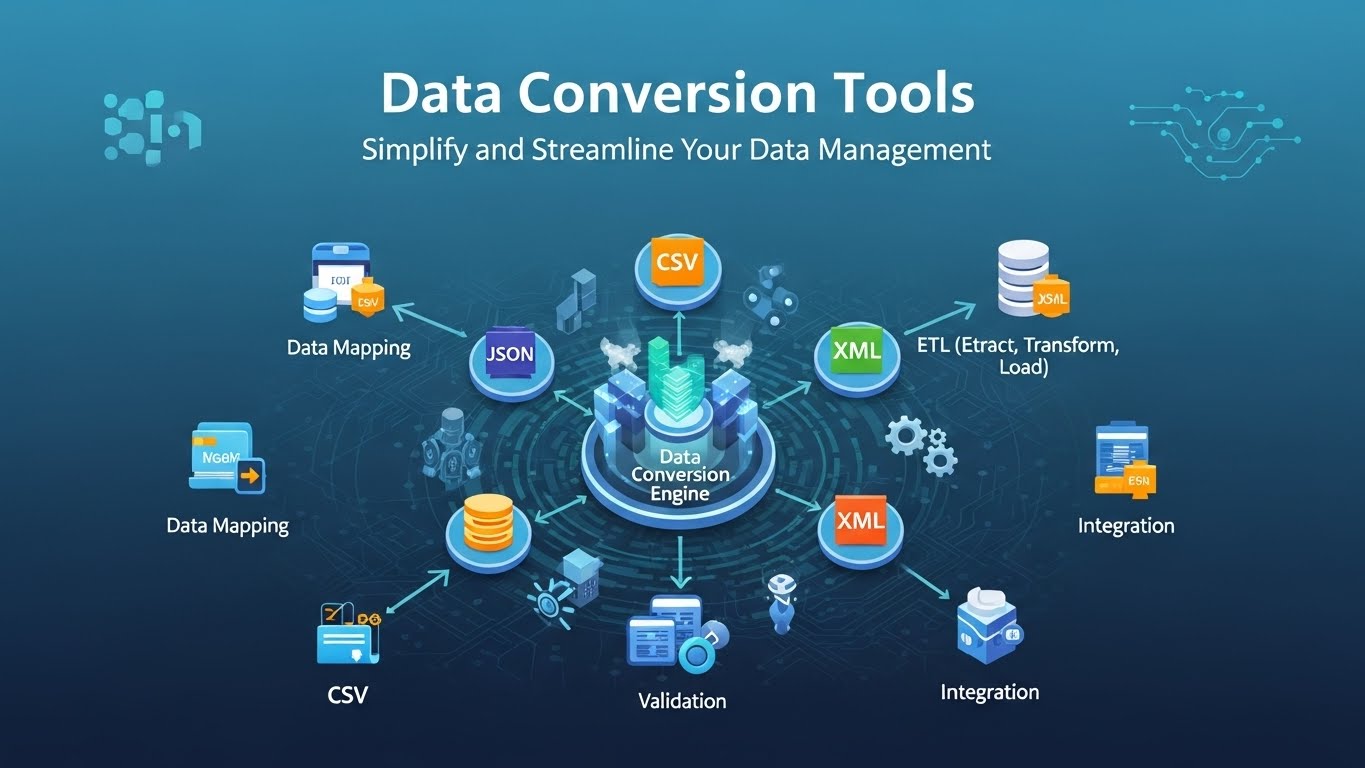
Data Conversion Tools: Simplify and Streamline Your Data Management
12/1/2025 • Admin
Data Conversion Tools: Simplify and Streamline Your Data Management
In today’s data-driven world, managing and working with various types of data is a common task. However, the challenge arises when you need to convert data between different formats for compatibility or analysis purposes. This is where data conversion tools come in handy. These tools can help you quickly and easily convert data between formats like CSV, JSON, XML, and more. In this guide, we’ll explore how data conversion tools work and how they can streamline your data management tasks.
What are Data Conversion Tools?
Data conversion tools are online or software-based utilities that enable you to transform data from one format to another. For example, you may need to convert a CSV file into JSON for web development or an Excel file into CSV for data analysis. Data conversion tools automate the process, making it faster and more efficient compared to manual conversion.
Why Use Data Conversion Tools?
Data conversion tools offer numerous benefits that can help optimize your workflow:
- Speed and Efficiency: Manual data conversion can be time-consuming. Conversion tools process data quickly, saving you time and effort.
- Accuracy: Automated conversion tools minimize the chances of human error when transferring data between formats.
- Streamlined Workflow: By using conversion tools, you can ensure that your data is formatted consistently, which helps in streamlining analysis or integration with other systems.
- Compatibility: Data conversion tools make it easy to ensure that data is compatible with different applications, whether you're working with a database, API, or spreadsheet software.
Types of Data Conversion Tools
Data conversion tools are available for various types of data and formats. Let’s take a look at some common types:
1. CSV to JSON Conversion
CSV (Comma-Separated Values) is a popular data format used in spreadsheets, while JSON (JavaScript Object Notation) is widely used in web development and APIs. If you’re working with CSV data and need to convert it to JSON for use in your website or application, a CSV to JSON converter can help.
For example, you can use FormatPilot’s CSV to JSON converter to convert your CSV files into JSON format instantly, ensuring that your data is ready for use in web applications or databases.
2. JSON to XML Conversion
JSON and XML are both widely used for storing and exchanging data. In some cases, you may need to convert JSON data into XML format for compatibility with certain applications or systems. An online JSON to XML converter can easily help you do this in just a few clicks.
3. Excel to CSV Conversion
If you're working with Excel files and need to convert them to CSV format for easier sharing or importing into other software, a conversion tool can automate this process. Many tools also offer options to customize the delimiter and other settings to ensure that your data is formatted properly.
4. XML to JSON Conversion
For developers working with APIs or data storage systems, you may need to convert XML data into JSON format for compatibility. A simple XML to JSON converter allows you to do this with ease, making sure your data is structured correctly for use in JavaScript-based applications.
How to Use Data Conversion Tools
Using a data conversion tool is typically a straightforward process. Here’s how you can use these tools effectively:
Step 1: Choose a Data Conversion Tool
First, select the data conversion tool that matches the format you want to convert. For example, if you're converting CSV to JSON, choose a tool like FormatPilot's CSV to JSON converter.
Step 2: Upload Your Data
Once you've chosen your tool, upload the data file you want to convert. Most tools allow you to upload a file directly from your computer or import data from cloud storage services such as Google Drive or Dropbox.
Step 3: Select the Output Format
Next, choose the output format for the converted data. For instance, if you’re using a CSV to JSON converter, the tool will automatically convert your CSV data into JSON format.
Step 4: Convert and Download the Data
Click the "Convert" button to process the data. Once the conversion is complete, you can download the file in the desired format. Some tools also allow you to directly export the data to cloud storage or integrate it into other applications.
Common Use Cases for Data Conversion Tools
Data conversion tools are useful in a variety of scenarios:
- Data Integration: When moving data between systems or software that use different formats, data conversion tools help ensure compatibility.
- Web Development: JSON and XML are common formats for APIs and web applications, making conversion tools essential for developers.
- Data Cleaning and Processing: Clean, process, and structure data by converting it into a more usable or standardized format for analysis.
- Reporting: Convert data from raw formats like Excel or CSV into more user-friendly formats for reporting and presentation.
Conclusion
Data conversion tools are essential for anyone who regularly works with different data formats. By automating the process of converting between formats like CSV, JSON, XML, and more, these tools save time, reduce errors, and improve data compatibility. Whether you’re a developer, data analyst, or just looking to clean and organize your data, using data conversion tools can help streamline your workflow.
For more data conversion solutions, visit FormatPilot for easy-to-use tools that simplify your data management tasks.
Get Started with FormatPilot Today
Visit FormatPilot for tools that simplify data management, coding, and text formatting. Start improving your workflow now!
FAQs
What are data conversion tools?
Data conversion tools are utilities that allow you to convert data from one format to another, such as converting CSV to JSON, XML to JSON, or Excel to CSV.
How do I use a data conversion tool?
Simply upload your data, select the desired output format, and click the “Convert” button. You can then download the converted file or export it to another application.
Are data conversion tools free to use?
Many data conversion tools, like those offered by FormatPilot, are free to use, though some premium features may require a subscription or payment.
What types of data can I convert?
Data conversion tools support a wide range of formats, including CSV, JSON, XML, Excel, and more. Check the tool’s documentation for specific format support.