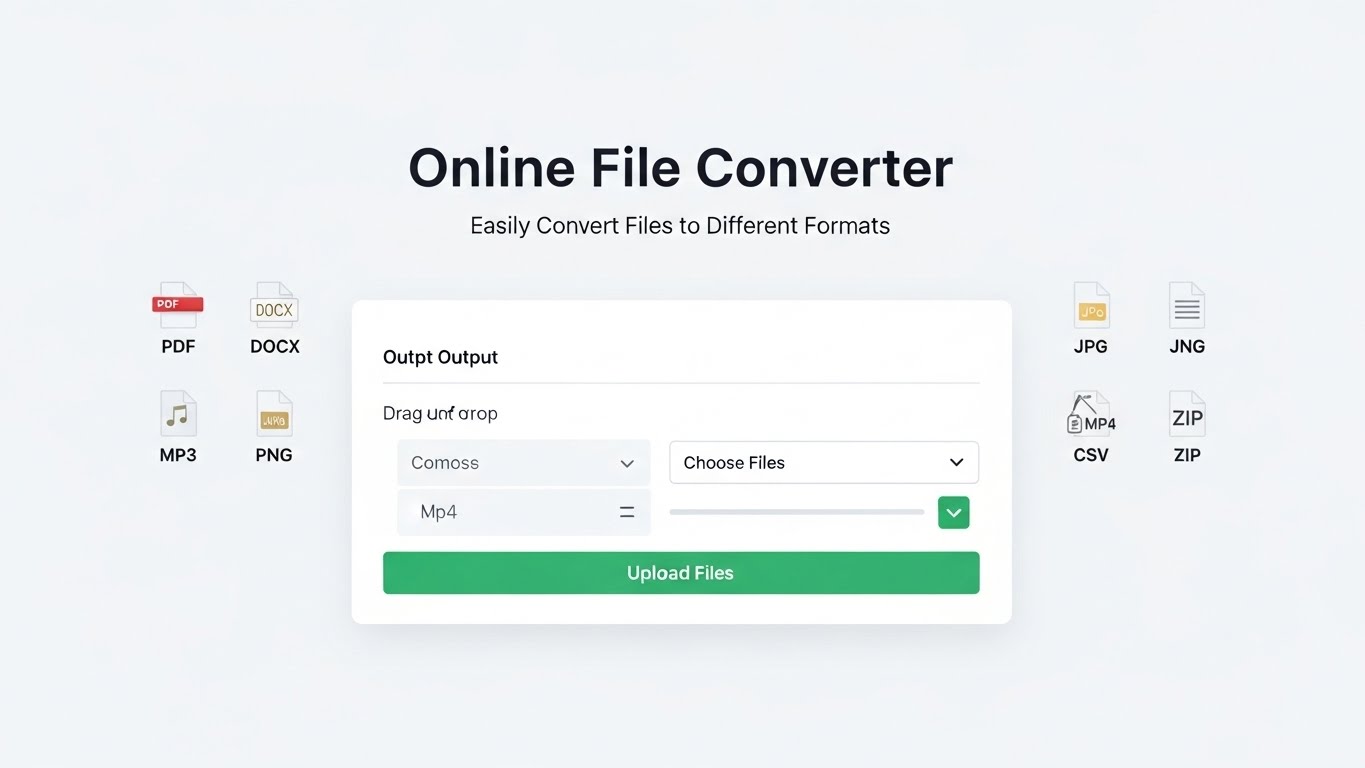
Online File Converter: Easily Convert Files to Different Formats
12/1/2025 • Admin
Online File Converter: Easily Convert Files to Different Formats
File conversion is a common task for many professionals, students, and anyone who deals with digital files regularly. Whether you're working with documents, images, audio files, or videos, converting between different formats can be a necessary step. This is where an online file converter comes in handy. In this guide, we'll explore what an online file converter is, why you should use one, and how it can simplify your workflow.
What is an Online File Converter?
An online file converter is a web-based tool that allows you to convert digital files from one format to another. Instead of downloading and installing software, you can simply upload your file to a website, choose the output format, and download the converted file. This process is quick, easy, and accessible from any device with an internet connection.
Why Use an Online File Converter?
There are several reasons why you might need an online file converter:
- Convenience: Online file converters eliminate the need to install software or worry about system compatibility. You can convert files from any device, including smartphones, tablets, and desktops.
- Speed: Online converters process files quickly, converting even large files within minutes.
- Support for Multiple Formats: Most online file converters support a wide variety of file formats, including image, audio, video, document, and more.
- Free and Easy to Use: Many online file conversion tools are free to use and require no technical knowledge.
How to Use an Online File Converter
Using an online file converter is incredibly simple. Here's a basic guide on how to use one:
Step 1: Choose a File Conversion Tool
There are many online file converter tools available. For example, you can use FormatPilot's Online File Converter to convert a variety of file formats. These tools provide a simple, intuitive interface that requires no technical skills.
Step 2: Upload Your File
After choosing your converter, upload the file you want to convert. Most online tools support drag-and-drop functionality, making it easy to add your files. Alternatively, you can browse your computer or cloud storage to select the file you want to convert.
Step 3: Choose the Output Format
Once your file is uploaded, you’ll need to choose the output format. Most file converters support a wide range of formats, including:
- Image Formats: JPG, PNG, GIF, TIFF, BMP
- Document Formats: PDF, DOCX, TXT, RTF, HTML
- Audio Formats: MP3, WAV, OGG, FLAC
- Video Formats: MP4, AVI, MOV, MKV, WMV
Step 4: Start the Conversion
After selecting the output format, click the “Convert” button to start the process. The tool will begin converting your file. Depending on the file size and complexity, the process may take anywhere from a few seconds to a few minutes.
Step 5: Download the Converted File
Once the conversion is complete, you’ll be able to download the newly converted file. Some online converters also allow you to save the file directly to cloud storage services like Google Drive or Dropbox.
Benefits of Using an Online File Converter
Using an online file converter offers several benefits:
- Convenience: No need to download and install software. Convert files from any device with an internet connection.
- Free Tools: Many online file converters are free to use, providing a cost-effective solution for file conversion.
- Wide Range of Formats: Online converters support many different file formats, making them a versatile tool for various data types.
- No Technical Knowledge Required: Most converters are user-friendly, with simple interfaces that require little or no technical expertise.
Common Use Cases for Online File Converters
Here are some common scenarios where online file converters are useful:
- Converting Documents: If you need to convert a PDF to Word, or a DOCX file to PDF, an online file converter can make this process seamless.
- Image Resizing: Convert images from one format to another or resize them to fit specific dimensions.
- Audio and Video Conversion: Convert audio files from MP3 to WAV, or video files from AVI to MP4 for compatibility with different devices.
- Data Migration: Convert files between formats to ensure they are compatible with different software, applications, or systems.
Conclusion
Online file converters are an invaluable tool for anyone who frequently works with different file formats. Whether you need to convert images, documents, audio, or videos, these tools can save you time and effort while ensuring that your files are properly formatted and ready for use. With their simplicity and versatility, online file converters are a must-have in your digital toolbox.
If you want to streamline your file conversion process, check out FormatPilot’s Online File Converter for a simple, fast, and efficient solution to all your conversion needs.
Get Started with FormatPilot Today
Visit FormatPilot for tools that simplify data management, coding, and text formatting. Start improving your workflow now!
FAQs
What is an online file converter?
An online file converter is a web-based tool that allows you to convert files from one format to another without needing to install software.
How do I use an online file converter?
Simply upload your file, choose the desired output format, and click "Convert." Once the conversion is complete, you can download the file in the new format.
Are online file converters free?
Many online file converters are free to use, though some offer premium features for advanced options.
What types of files can I convert?
Online file converters support a wide variety of formats, including document, image, audio, and video formats.