Online Line Sorter: Sort Your Text or Data Quickly and Easily
11/27/2025 • Admin
Online Line Sorter: Sort Your Text or Data Quickly and Easily
If you ever find yourself working with text or data that needs to be organized, an online line sorter can be a lifesaver. Sorting lines of text or data manually can be time-consuming, especially when you have large datasets. With the help of an online line sorter, you can quickly sort lines alphabetically or numerically, saving you time and effort. In this guide, we’ll explore how an online line sorter works and how you can use it to streamline your workflow.
What is an Online Line Sorter?
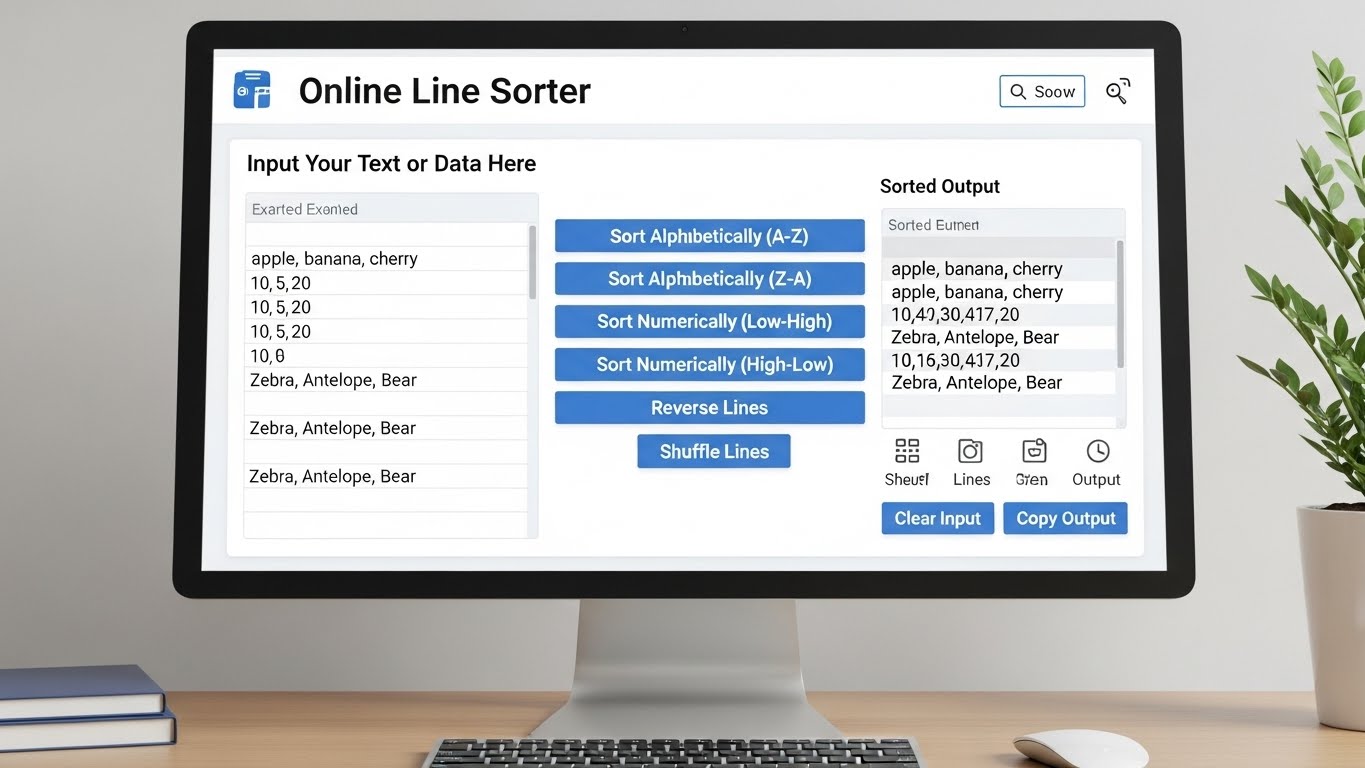
An online line sorter is a web-based tool that allows you to sort lines of text or data in a variety of ways. Whether you’re working with lists of items, names, or any other data, an online line sorter can help you arrange that information in a specified order—alphabetically, numerically, or even in custom patterns.
Why Use an Online Line Sorter?
Sorting data manually can be tedious and error-prone, especially when dealing with large amounts of information. Here are some reasons why using an online line sorter is beneficial:
- Speed and Efficiency: Sorting data by hand can take a significant amount of time, especially if you're working with a large dataset. An online tool can instantly sort the data in just a few clicks.
- Eliminating Errors: When sorting data manually, it’s easy to overlook or miss some values. Online line sorters ensure your data is organized accurately without errors.
- Simple and User-Friendly: Most online line sorters are intuitive and require no advanced technical skills. You just need to input your data, click a button, and get sorted results.
- Multiple Sorting Options: Many online line sorters offer multiple sorting methods, including alphabetical, numerical, reverse order, and custom sorting.
How to Use an Online Line Sorter
Using an online line sorter is incredibly easy. Here’s a step-by-step guide on how to do it:
Step 1: Choose an Online Line Sorter Tool
There are plenty of online line sorter tools available. You can search for one that fits your needs. For example, FormatPilot's line sorter tool offers a simple and efficient solution.
Step 2: Paste Your Text or Data
Once you've chosen your online sorter tool, paste the text or data that you want to sort into the provided text box. Make sure that the data is in the correct format (each item should be on a separate line).
Step 3: Choose the Sorting Criteria
Select how you want to sort the data. Most online line sorters allow you to sort by:
- Alphabetical order: This is useful for sorting lists of names, places, or any text-based data.
- Numerical order: This is ideal for sorting lists of numbers.
- Reverse order: This option allows you to sort the data in descending order.
- Custom sorting: Some tools let you define your own sorting rules.
Step 4: Click the "Sort" Button
After selecting the sorting criteria, click the “Sort” button. Within seconds, the tool will sort your lines according to your preferences.
Step 5: Copy or Export the Sorted Data
Once the data is sorted, you can either copy the result directly or export it as a text file, CSV, or any other format supported by the tool.
Common Use Cases for an Online Line Sorter
Here are a few examples of when you might use an online line sorter:
- Organizing a List of Names: If you have a list of names that you need to alphabetize, an online line sorter is the perfect tool.
- Sorting Data for Analysis: Sorting numerical data, such as sales figures or inventory numbers, can help you better analyze and visualize the data.
- Managing Email Lists: If you’re working with an email list, you can use an online sorter to organize the entries in a logical order.
- Data Cleaning: Use a line sorter to remove duplicates and sort data into a more usable format.
Tips for Using an Online Line Sorter Effectively
- Ensure Proper Formatting: Make sure that each line of text or data is on a separate line. This will ensure accurate sorting results.
- Check for Duplicates: Some online sorters offer options to remove duplicates, which can be especially useful when cleaning data.
- Preview Before Sorting: Always preview the data before performing the sort to ensure the correct items are being organized.
Conclusion
Using an online line sorter can save you time and help you organize your data or text with ease. Whether you're working with a list of names, numbers, or any other kind of data, online sorting tools make the process quick and efficient. By following the steps outlined in this guide, you can improve your productivity and keep your data organized.
For more helpful tools like an online line sorter, visit FormatPilot for a range of text and data management solutions.
Get Started with FormatPilot Today
Visit FormatPilot for tools that simplify data management, coding, and text formatting. Start improving your workflow now!
FAQs
What is an online line sorter?
An online line sorter is a tool that allows you to sort lines of text or data in various orders, such as alphabetically, numerically, or by custom criteria.
How does an online line sorter work?
You paste your text or data into the tool, choose the sorting criteria, and then click “Sort” to organize your data in the desired order.
Can I remove duplicates using an online line sorter?
Yes, some online line sorters have the option to remove duplicates automatically while sorting your data.
Is using an online line sorter free?
Many online line sorter tools are free to use, though some may offer premium features or additional options for a fee.