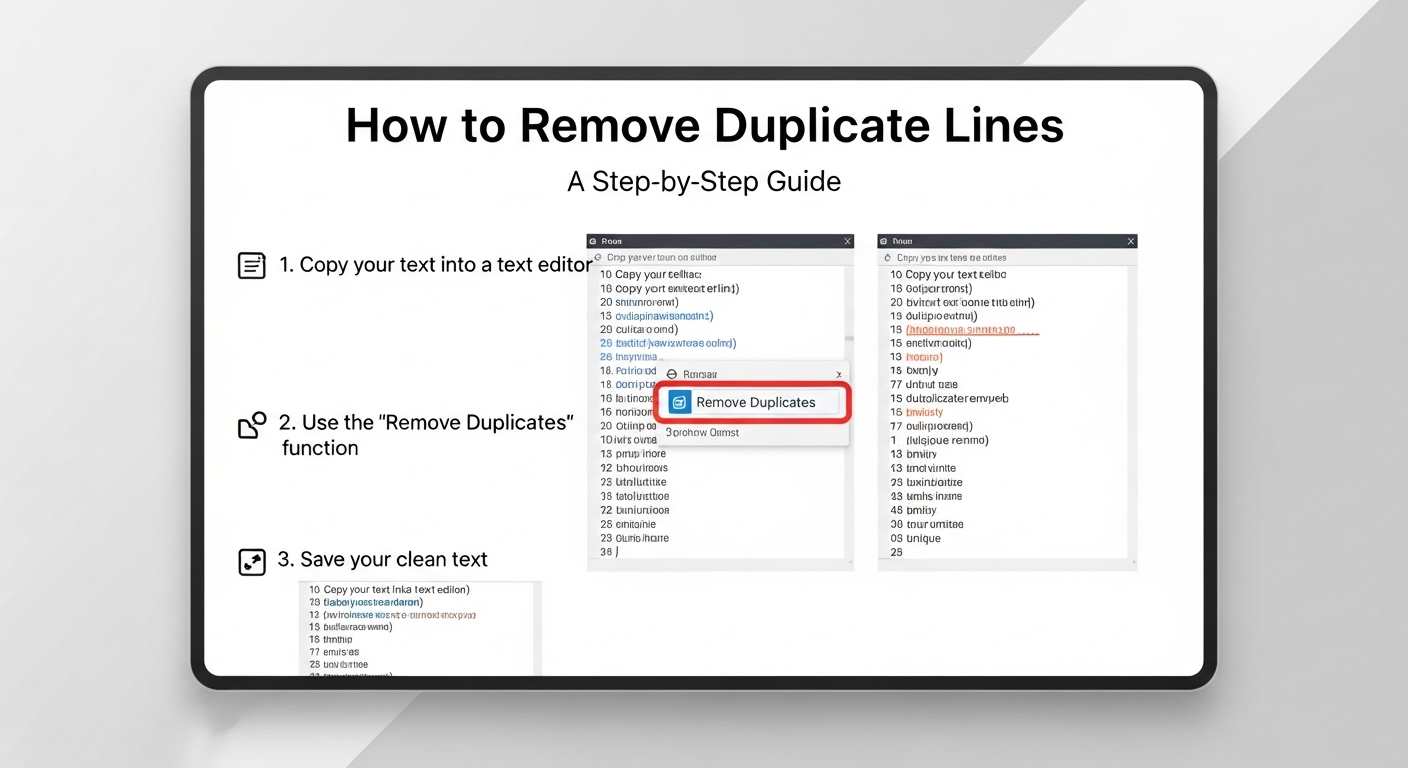
How to Remove Duplicate Lines: A Step-by-Step Guide
11/23/2025 • Admin
How to Remove Duplicate Lines: A Complete Guide
Removing duplicate lines from text files, code, or lists is a common task for anyone working with data or content. Whether you're cleaning up a CSV file, removing duplicate JSON data, or simply tidying up your text documents, it's essential to know the best ways to remove duplicate lines efficiently. In this guide, we will walk you through the different methods to remove duplicate lines and the tools that can help you do it quickly and effectively.
Why Should You Remove Duplicate Lines?
There are several reasons why you might want to remove duplicate lines from a file or document:
- Data Cleanup: Duplicate lines can skew data analysis, making it necessary to remove them for accurate results.
- Code Optimization: In programming, duplicate lines can lead to unnecessary redundancy and make the code harder to maintain.
- File Organization: Cleaning up duplicate lines can help reduce file sizes, especially in large files like CSV or JSON, making them easier to handle.
- Improved Readability: In text documents, duplicate lines can make the content difficult to read. Removing them improves clarity.
How to Remove Duplicate Lines: Methods and Tools
Now that we know why removing duplicate lines is important, let’s dive into the different ways you can do it.
1. Manually Remove Duplicate Lines
If you're working with a small text file, you can remove duplicate lines manually. Simply go through the file and delete the repeated lines. However, this method is time-consuming and inefficient for large files.
If you're looking for a more efficient way to handle this task, there are various tools and programming techniques that can automate the process.
2. Use Command-Line Tools (For Developers)
If you're comfortable using command-line tools, the uniq command is a great way to remove duplicate lines in Linux or macOS:
sort yourfile.txt | uniqFirst, the sort command arranges the lines, and then uniq removes any duplicate lines from the sorted list. This is particularly useful for developers working with large text or log files.
3. Use Online Tools
If you prefer a simpler solution, many online tools allow you to remove duplicate lines from your text or files quickly. Here's how you can use these tools:
- FormatPilot Text Tools: An easy-to-use tool that lets you paste your text and remove duplicate lines with just one click.
- CSV Cleaner: For those working with CSV files, this tool can help you remove duplicate rows efficiently.
- JSON Formatter: Use this tool to clean up your JSON data and remove duplicate entries quickly.
These tools are simple, effective, and free to use, making them perfect for anyone who needs to clean up their text, CSV, or JSON files.
4. Use Python Script to Remove Duplicate Lines
If you are familiar with programming, you can use Python to remove duplicate lines from any text file. Here's a simple script that does just that:
# Python Script to Remove Duplicate Lines
def remove_duplicate_lines(file_path):
with open(file_path, 'r') as file:
lines = file.readlines()
# Remove duplicates using a set
unique_lines = set(lines)
with open(file_path, 'w') as file:
file.writelines(sorted(unique_lines))
print("Duplicate lines removed successfully!")
Simply pass the path of your file to the remove_duplicate_lines function, and it will handle the rest. This method is highly efficient for large files and perfect for developers who want to automate the cleanup process.
Tools for Removing Duplicate Lines
If you're looking for an easier solution, many tools are available online and offline to help you clean up duplicate lines quickly:
- FormatPilot Convert: A tool that converts and cleans up your files, including removing duplicate lines.
- FormatPilot File Tools: A set of tools that includes options for removing duplicate lines from various file types, including text, CSV, and JSON.
- FormatPilot Text Tools: A quick way to clean your text and remove duplicate lines with ease.
- CSV Cleaner: If you're working with CSV files, this tool will help you clean up duplicate rows in no time.
Why Use Online Tools to Remove Duplicate Lines?
Online tools offer several advantages:
- Convenience: No need to install anything. Simply visit the website, upload your file, and clean up duplicate lines.
- Speed: These tools perform the task in seconds, saving you time and effort.
- Free: Many online tools, like the ones from FormatPilot, are completely free to use.
Summary
Removing duplicate lines from your files is an essential task for data management and text organization. Whether you're cleaning up a CSV file, optimizing code, or tidying up a document, removing duplicate lines ensures that your files are more readable and efficient. Use the methods and tools outlined in this guide to remove duplicate lines easily and effectively. For additional cleaning and formatting tools, be sure to check out FormatPilot's tools.
FAQs
How do I remove duplicate lines from a text file?
You can use command-line tools like uniq in Linux or macOS or use an online tool like FormatPilot Text Tools to remove duplicate lines easily.
Can I remove duplicate lines from a CSV file?
Yes, you can use CSV Cleaner to remove duplicate rows from a CSV file.
What is the easiest way to remove duplicate lines?
The easiest way is to use an online tool like FormatPilot Text Tools where you can simply paste your text and remove duplicate lines in one click.
Can I remove duplicate lines from JSON data?
Yes, you can use FormatPilot JSON Formatter to clean up duplicate entries in JSON files.