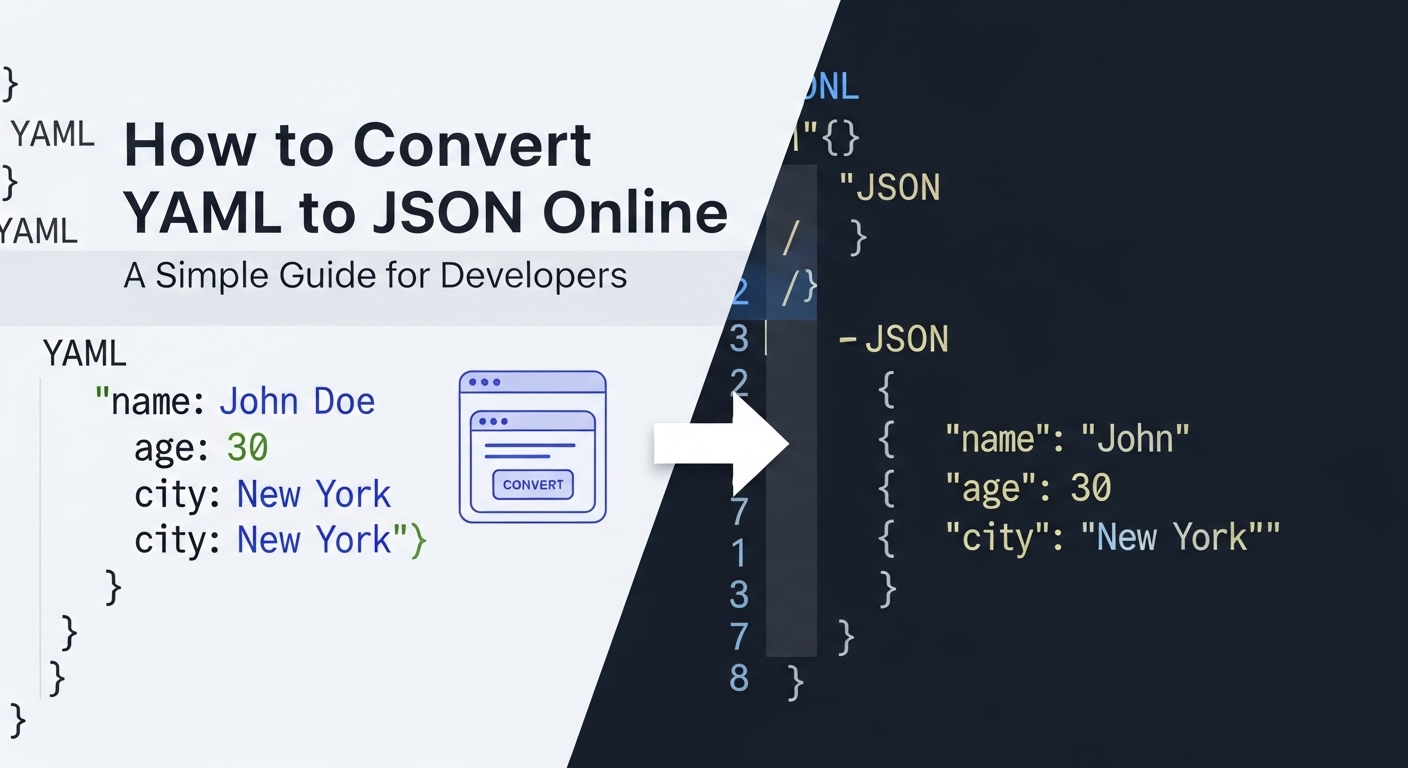
How to Convert YAML to JSON Online: A Simple Guide for Developers
11/20/2025 • Admin
How to Convert YAML to JSON Online: A Simple Guide for Developers
If you're a developer, data engineer, or anyone working with configuration files, chances are you've encountered both YAML and JSON formats. These two formats are integral to modern software development, especially when you're managing data and configurations across systems and platforms. While YAML is highly human-readable and often used for configuration files, JSON is favored for its ease of machine parsing. Sometimes, converting from YAML to JSON online is essential for compatibility with other tools or systems. In this guide, we’ll walk you through how to easily convert YAML to JSON and discuss why this conversion might be necessary.
What is YAML?
YAML, which stands for "YAML Ain't Markup Language", is a human-readable data serialization standard. It is often used in scenarios such as configuration files for servers, Kubernetes configurations, and CI/CD pipelines. YAML is designed to be simple and intuitive to read, which makes it easy for humans to edit. It uses indentation instead of brackets to denote structure, making it highly readable compared to other formats like XML or JSON.
However, despite its readability, YAML can be difficult for machines to parse efficiently, especially when dealing with large datasets. This is where JSON comes in, providing a more structured format that is easier to process programmatically.
What is JSON?
JSON (JavaScript Object Notation) is a lightweight, text-based data format that’s easy for machines to parse and generate. JSON uses a key-value pair system, similar to a dictionary in Python or an object in JavaScript. It is widely used for APIs and web services because it is language-agnostic and can be parsed in most programming languages.
JSON is preferred in environments where fast and reliable machine parsing is essential, such as APIs, web services, and microservices. Its structure is well-suited for automated data exchange, and its syntax is more stringent than YAML, which helps prevent errors in processing large datasets.
Why Convert YAML to JSON Online?
Converting YAML to JSON online is necessary when your data needs to be processed by systems that prefer or require JSON format. Below are some reasons why you might need to convert YAML to JSON:
- Integration with Web APIs: Many APIs expect data to be in JSON format, and if you're working with a YAML configuration, converting it to JSON ensures compatibility with these systems.
- Data Processing: Some tools, like databases and programming environments, are optimized to handle JSON more efficiently than YAML, making it easier to process and exchange data.
- Web Applications: Modern web applications often utilize JSON for exchanging data between the client and server. Converting YAML to JSON ensures smooth integration with JavaScript and other web technologies.
How to Convert YAML to JSON Online
Now that we’ve covered the basics, let’s walk through how to convert YAML to JSON using online tools. We will cover both manual methods and automated online conversion tools.
Method 1: Using FormatPilot's YAML to JSON Converter
FormatPilot offers a fast, reliable, and free YAML to JSON converter that simplifies the process. Here’s how to use it:
- Step 1: Go to the FormatPilot Conversion Tool.
- Step 2: Paste your YAML content into the provided input box or upload a YAML file directly.
- Step 3: Click on the "Convert" button, and your YAML content will be instantly converted to JSON format.
- Step 4: You can now copy the converted JSON or download the file for further use.
Method 2: Using the Command Line
If you prefer a programmatic approach, you can convert YAML to JSON using the command line. Here's how to do it with Python, for example:
import yaml
import json
# Load YAML file
with open('file.yaml', 'r') as yaml_file:
yaml_content = yaml.safe_load(yaml_file)
# Convert to JSON and write to file
with open('file.json', 'w') as json_file:
json.dump(yaml_content, json_file, indent=4)
This method is ideal for developers who need to automate the conversion process as part of a larger workflow.
Benefits of Converting YAML to JSON
Here are some reasons why you may want to convert your YAML files to JSON:
- Machine Efficiency: JSON is easier to parse and process for machines compared to YAML. It is particularly beneficial in high-performance environments.
- Wider Tool Support: Many programming environments, frameworks, and libraries offer better support for JSON compared to YAML.
- Consistency: JSON enforces a stricter structure, which reduces ambiguity and ensures consistent data formatting.
- Scalability: JSON handles large datasets more effectively, making it ideal for web applications and APIs that require quick data exchange.
Best Practices for Converting YAML to JSON
To ensure a smooth YAML to JSON conversion process, follow these best practices:
- Validate Your YAML: Before converting, make sure your YAML content is well-structured. You can use FormatPilot’s YAML beautifier to clean up your YAML content.
- Test the JSON Output: After conversion, always check the output to ensure that no data was lost and that the JSON structure is correct.
- Use a JSON Beautifier: To make your converted JSON more readable, use tools like the JSON Beautifier.
Conclusion
Converting YAML to JSON online is a simple yet essential task for developers working with various tools, APIs, and web applications. With tools like FormatPilot’s YAML to JSON converter, you can easily convert your YAML content into JSON format and ensure compatibility with your workflows. Whether you’re dealing with large data files or just need a quick conversion, online tools make the process hassle-free.
Ready to start converting your YAML files to JSON? Head over to FormatPilot.com and begin your conversion process today!
FAQs
- What is the easiest way to convert YAML to JSON online?
The easiest way is to use an online converter like FormatPilot's YAML to JSON Tool, which allows you to upload or paste your YAML content and instantly convert it to JSON. - Can I convert YAML to JSON without losing data?
Yes, as long as the YAML file is properly formatted, the conversion to JSON should retain all the data. You can use a YAML beautifier to ensure correct formatting before conversion. - Is there a free tool to convert YAML to JSON?
Yes, FormatPilot offers a free YAML to JSON converter tool. You can also use other free online tools like JSON Formatter. - How do I ensure my JSON is readable after conversion?
You can use a JSON Beautifier to format and beautify the JSON output, making it easier to read and debug. - Are there any limitations when converting YAML to JSON online?
The main limitation is that complex YAML files with advanced features like anchors and aliases may not convert perfectly to JSON. Always check the output for correctness.